← All audiences

For community centers

Built for everything happening under one roof.

Programs, sports leagues, summer camps, facility rentals, family memberships, and the kind of reporting your board and your city expect — on one calm system, no matter how many things are running at once.

The reality

If this is your week, we built this for you.

Community centers run on overlapping schedules, multiple revenue streams, and the kind of operational pace that breaks consumer scheduling tools and overwhelms generic membership software.

  • Summer camp registration shouldn't crash your morning.

    300 families opening their phones at 8 AM the day registration opens. Waivers, allergies, age groups, payment plans, sibling discounts — all of it should work without the front desk fielding panic calls.

  • Family memberships shouldn't take a database degree.

    Mom and dad on one account. Three kids of different ages with different access rules. A grandparent on the pickup list Wednesdays. The system should know all of this — and let the staff update it in thirty seconds.

  • Facility rentals shouldn't book over a program.

    The 7 PM Zumba class is on the calendar. The wedding party booking the same room for 6 PM doesn't know that. Your facilities coordinator should never be the human collision detector.

  • Reporting to the city shouldn't take Wednesday afternoon.

    Program participation, facility utilization, scholarship counts, demographic breakdowns — the quarterly report your city contract requires shouldn't pull you out of the parent meeting.

Flagship features

Made for the work you already do.

Five modules at the heart of every community-center deployment. Every plan includes every module — these are the ones that earn their keep on day one.

Programs & classes

From three-week summer pottery to twelve-week soccer leagues.

Set the program once. Families register on their phone. Waitlists auto-fill, payment plans process, instructor rosters lock. The Friday parent reminder sends itself.

  • Sibling discounts and family pricing
  • Waivers required at registration
  • Instructor rosters and pay

Facility rentals

The room calendar that doesn't double-book.

Birthday parties, business meetings, fitness rentals, community events. The renter sees only available slots. Conflicts with programs are caught before they ship. Deposits, balances, and damage flags tracked through one ledger.

  • Real-time online availability
  • Recurring rental schedules
  • Damage deposits and refunds

Family memberships & directory

One account. The whole household.

Family memberships with shared billing and individual access rules. Adults have their own classes, kids have their own programs, everyone has their own check-in. Pickup permissions, emergency contacts, and waivers all live on one household record.

  • Per-member access rules
  • Shared family billing
  • Pickup permissions and emergency contacts

Front desk

A check-in flow your newest staff can run.

Stephanie drops Aiden for after-school art. He badges in, his pickup list is pre-loaded, his allergy flags surface for the program lead. Lila taps in for the 10 AM fitness class. A guest booking the community room walks in and gets handed an iPad to sign the rental waiver.

  • Badge scan or name lookup
  • Guest mode for renters and visitors
  • One-tap waiver-on-arrival

For your members and their families

A portal built for the family calendar.

Parents see their kids' programs. Adults see their fitness classes. The grandparent sees the pickup schedule. Everyone gets the bulletins they actually need — not the ones for someone else's age group.

  • Register kids and adults from one account
  • See the whole family's week in one view
  • Pay for everything in a single transaction
  • Sign waivers and update pickup permissions

A typical day

7:00 AM at Westgate.

A Tuesday in October. Lap swim, Zumba, after-school, soccer practice, a birthday rental, and a city contract report due Friday. Here's how it actually goes.

  1. The director arrives. Yesterday's revenue, program enrollment, and rental balance are already in the morning summary.

  2. Stephanie's daughter logs in to the portal to register Aiden (age 9) for next week's after-school art camp. Sibling discount applies automatically. Receipt emailed to mom by 8:31.

  3. A wedding party calls to book Community Room A for Saturday. The coordinator opens the calendar, sees an open 4–9 PM slot, holds the deposit, books it.

  4. After-school pickup. Twelve kids check in. The kid whose dad isn't on the pickup list is flagged before the wrong person walks in.

  5. Director clicks "Q1 city contract report." Program participation, facility utilization, scholarship counts, demographics — PDF ready to send Friday.

Run the whole calendar

Forty programs. Eight rooms. One view.

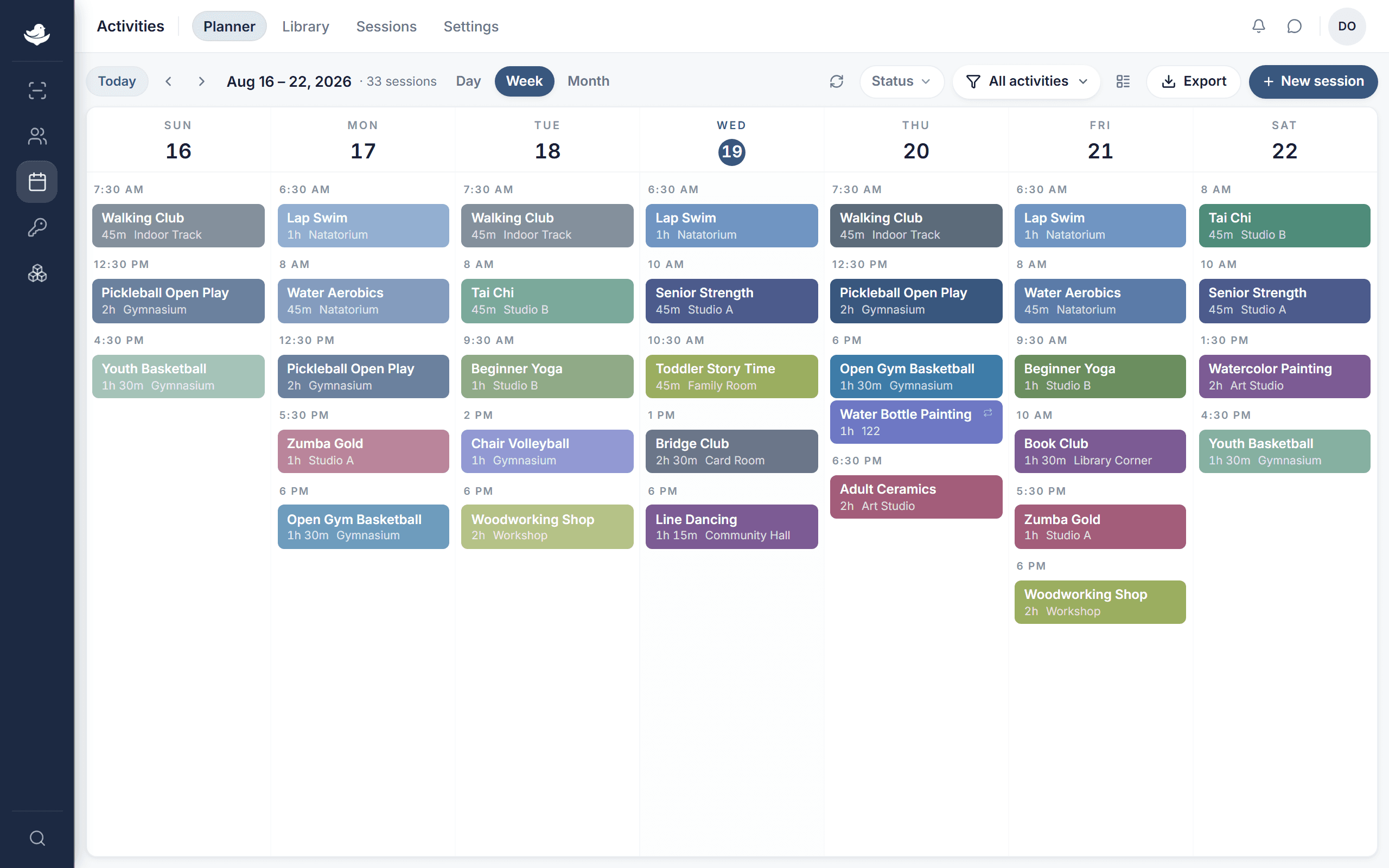
Tuesday: morning Zumba in the studio, two after-school programs in the gyms, soccer practice on the field, a private rental in Community Room A. Drag a program to a different time and the room booking, the instructor's calendar, and the parent reminder all follow.

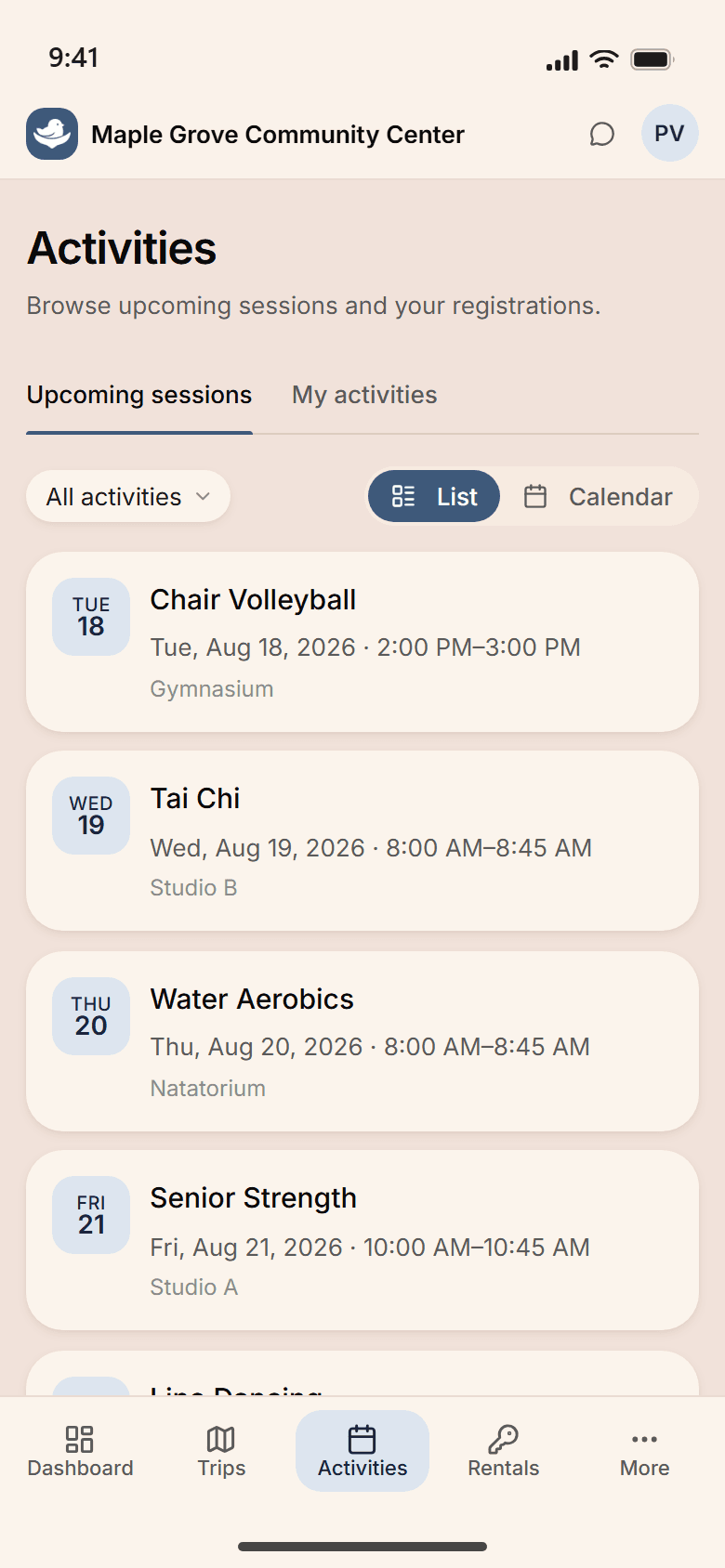
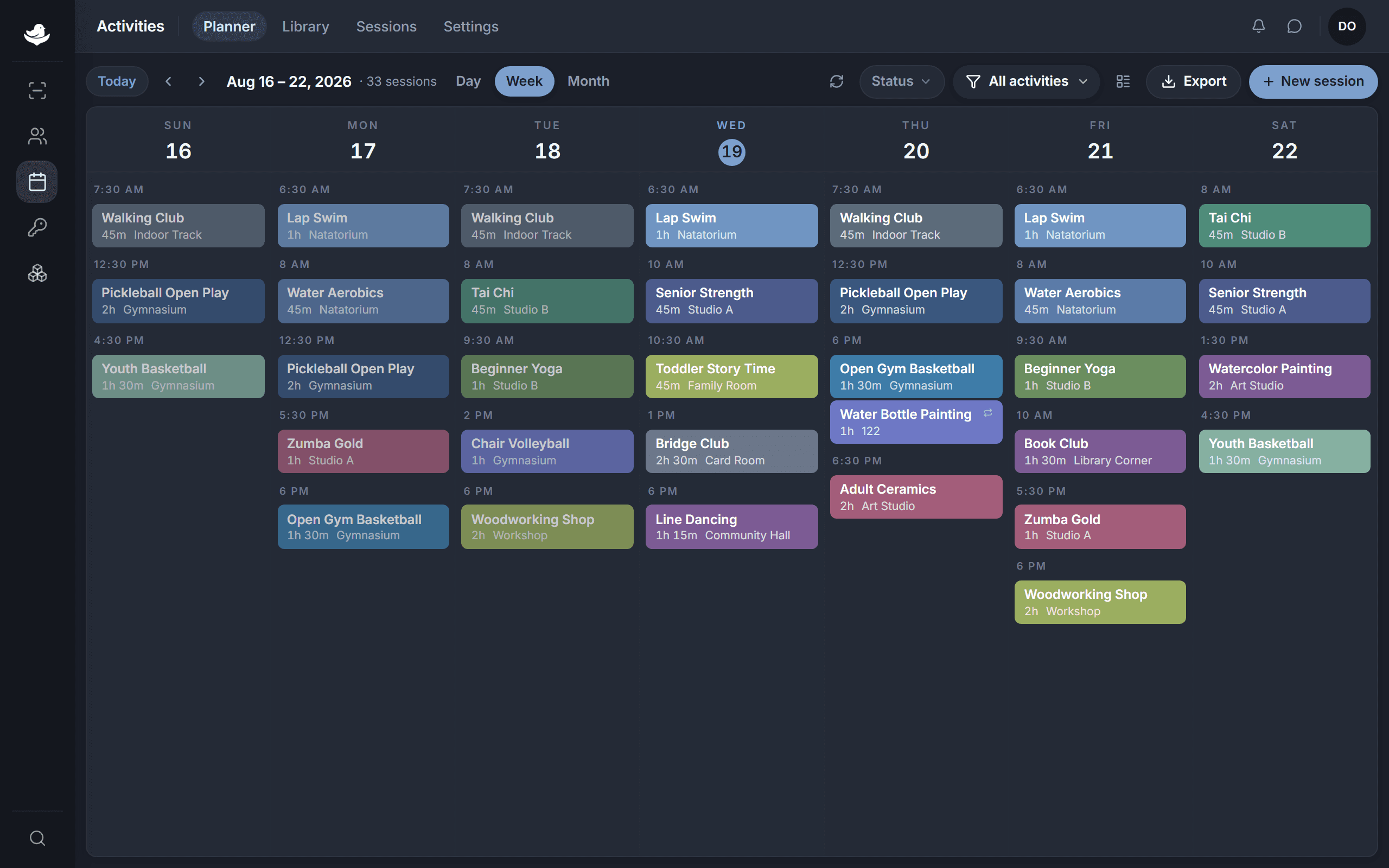
The NestPoint activities planner: a week grid of programs laid out by room and time, with conflicts and open capacity visible at a glance.The NestPoint activities planner: a week grid of programs laid out by room and time, with conflicts and open capacity visible at a glance.
  • Recurring schedules build once

    Set summer camp's weekly pattern; runs all season. Move soccer to Thursdays and every game, roster, and parent reminder follows.

  • Conflicts caught before they happen

    Programs and rentals in the same room get flagged at the moment of booking — your coordinator sees it, not a furious renter on Saturday morning.

  • Family comms auto-update

    Schedule changes hit the right households. Aiden's mom hears about the after-school art schedule change; Lila doesn't get the email she has no use for.

Customization

Configured for your center, not generic “community centers.”

Every community center is different. Your pricing model, your facility policies, your waivers, your funder report formats — all configurable, no consultant required.

  • Family pricing & memberships

    Sibling discounts, household tiers, dependent rules, scholarship pricing. Set the model once; pricing applies automatically at registration.

  • Waivers & permissions

    Required at registration, signed digitally by parents for kids, auto-expire annually, audit trail per waiver for your insurer and your board.

  • Facility & room templates

    Rental policies, deposit rules, recurring availability, blackout dates. Set each room once; the renter's online experience follows.

  • City & board report packets

    Quarterly city contract, monthly board, annual scholarship breakdown. Save the format your contract manager wants once; run it on a schedule.

Questions, answered

What we hear from directors before they sign up.

See it run for your center.

Set up your workspace this morning. Open summer camp registration this afternoon. Watch family memberships roll in this weekend. If NestPoint isn't right for your center, walk away — no questions, no calls.

14 days free · Card required · Cancel anytime