← All audiences

For faith communities

Built for the work between Sundays.

Member directory, small groups, communications, events, and the year-end statements your bookkeeper has been dreading — on one calm system your lay leaders can actually use, no matter what tradition you're rooted in.

The reality

If this is your week, we built this for you.

Faith communities run on lay leadership, weekly rhythms, and the kind of pastoral attention that doesn't fit in a generic membership tool.

  • Your directory shouldn't be three versions behind reality.

    The printed directory from last fall has the wrong phone numbers, the wrong addresses, and three families who've moved away. Members should update their own info — and the directory should reprint itself in five minutes when you need it.

  • Year-end giving statements shouldn't take all of January.

    Pulling pledges, recurring gifts, capital campaign contributions, designated funds, and one-time donations from three different spreadsheets is not how the bookkeeper should spend the first week back. Generate the statements, email them, done.

  • Small groups shouldn't live in a leader's notebook.

    Marcus runs the Wednesday-night group out of a notes app on his phone. Linda's women's group is in a Google Doc nobody else can find. The pastoral care lead has no idea who's actively engaged in what. Every group should have a home, a roster, and a heartbeat.

  • Sunday volunteer coordination shouldn't require a Saturday-night panic.

    Greeters, ushers, music, hospitality, children's care — twenty-five roles to fill every week, and three of them lapse by Friday. Build the roster once, send the reminders automatically, see the gaps before they become Sunday-morning gaps.

Flagship features

Made for the work you already do.

Five modules at the heart of every faith-community deployment. Every plan includes every module — these are the ones that earn their keep on day one.

Member directory

Households, photos, and a directory your members actually open.

Households together. Photos when members opt in. Lay leaders update their family's information from the portal. The printed directory? Generated as a PDF, ready for the office printer, on demand — accurate to this morning.

  • Household relationships and roles
  • Photo opt-in per member
  • Printable PDF directory, generated on demand
Communications

Bulletins, prayer chains, and the weekly email that gets read.

The Sunday bulletin, the Wednesday update, the prayer chain when something happens at midnight. Schedule them, segment them by group or membership, or send them right now. Members reply, leaders see who needs a follow-up call.

  • Scheduled bulletins and weekly updates
  • Segmented sends by group, role, or engagement
  • Reply tracking for pastoral follow-up

Groups

Small groups, study groups, committees, and the choir.

Every group has its own roster, meeting schedule, and leader. Members find groups in the portal and request to join. Leaders update attendance from their phone in the parking lot after group ends. Clergy see group health at a glance — average attendance, who's new, who's drifted.

  • Member-discoverable groups in the portal
  • Leader-managed rosters and attendance
  • Group-health metrics for clergy and elders

Events & trips

From holy days to the youth retreat.

High-attendance services, retreats, mission trips, the annual congregational meeting, the all-community potluck. Sign-ups with dietary fields, lodging assignments, transportation, waiver collection. Roster locks before the bus pulls out.

  • Registration with dietary, logistical, and medical fields
  • Transportation and lodging tracked
  • Post-event communications send themselves

For your members

A portal that respects the way your community stays connected.

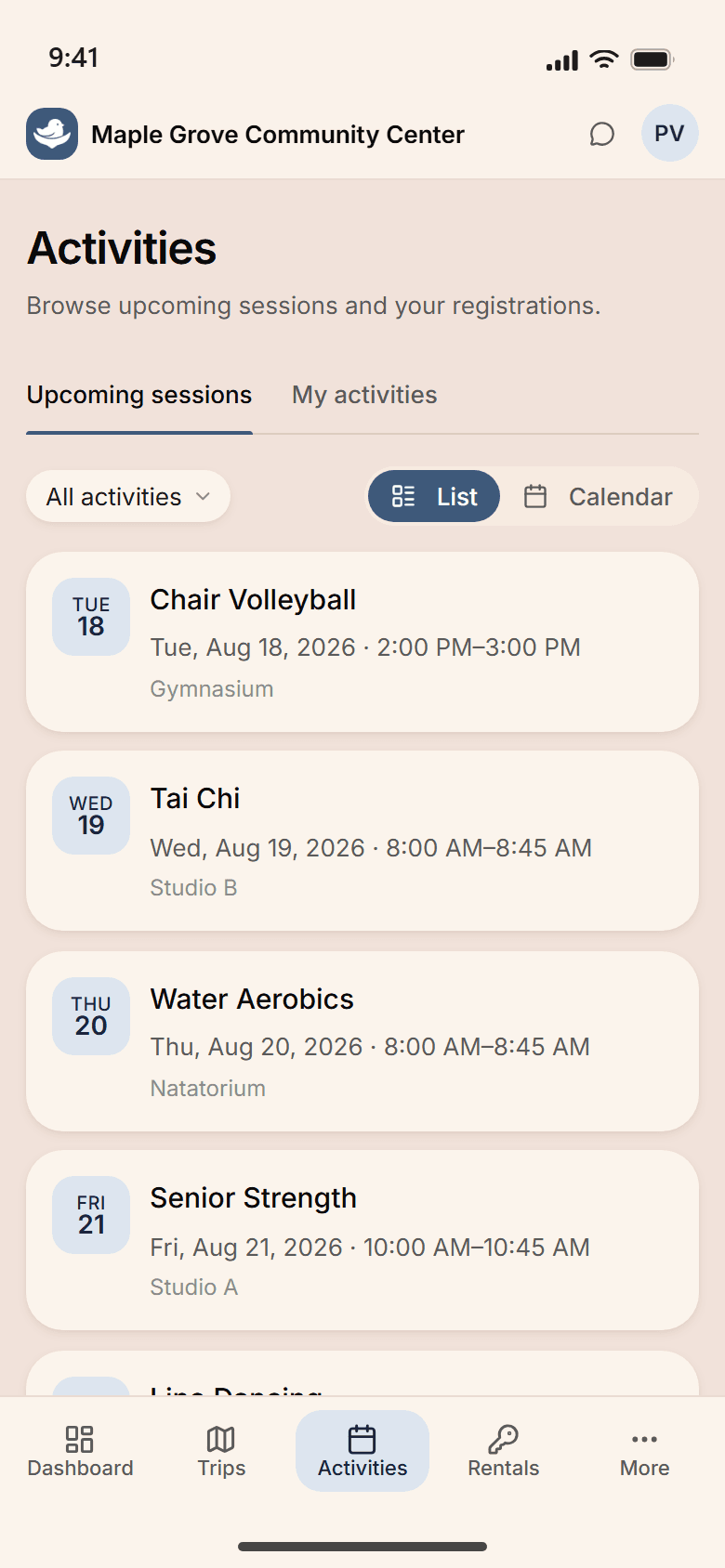
Members find groups, sign up for the retreat, update their household photo, manage their recurring giving, and pull their year-end statement. Built so the new family that visited last Sunday can find the Wednesday-night newcomer group on Tuesday — without calling the office.

  • Find and join small groups
  • Update household info, photos, and pickup permissions
  • Sign up for events, retreats, and high-attendance services
  • Manage giving and pull year-end statements anytime

A typical day

8:00 AM at Cedar Hill.

A Wednesday in October. Office hours, a new-family inquiry, mid-week programs in the evening, and a retreat sign-up deadline on Friday. Here's how it actually goes.

  1. The senior minister opens her laptop. The weekly summary is already there: attendance trend, this week's pledges and recurring gifts, three groups that gained new members, two members who haven't been seen in a month.

  2. A new family calls about joining. The intake link goes to their email; Sarah signs her daughter up for next month's religious-ed class from her phone before lunch.

  3. A prayer request comes in via the portal. The pastoral care team is notified; the request stays visible only to the team, not the wider community.

  4. Wednesday programs check in at the front desk — women's group, youth group, choir practice. Forty-seven people in the building by 7.

  5. Doors close. Tomorrow's prep is built, the weekend bulletin is queued, the retreat sign-up reminder goes out at 9 AM Friday.

See the whole week

Sunday services. Wednesday programs. The retreat in November.

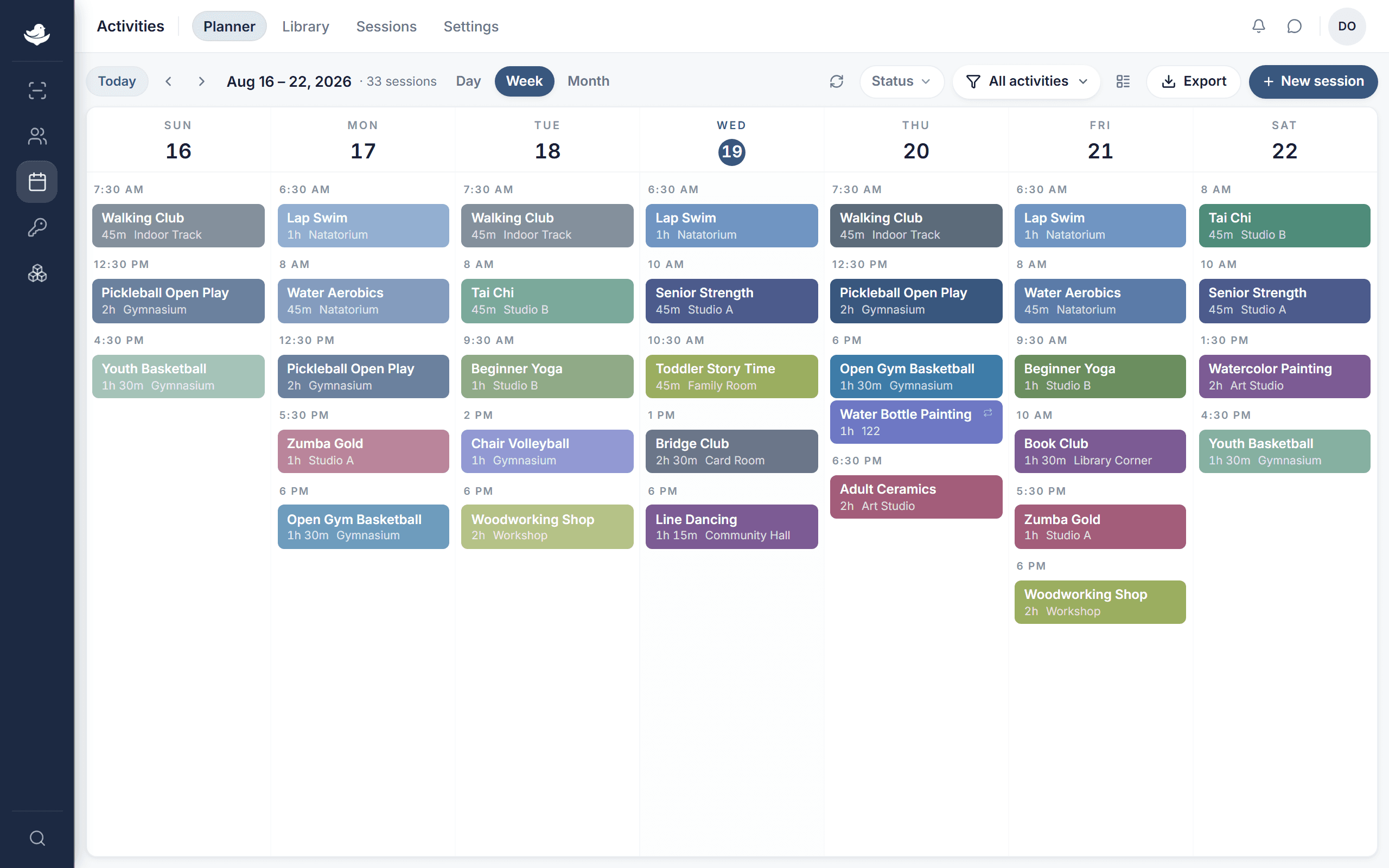
Worship, religious education, small groups, choir practice, the women's group, the men's group, the youth group, the all-community potluck. Drag the youth retreat from the second weekend to the third and every registration, every transportation slot, every parent reminder follows.

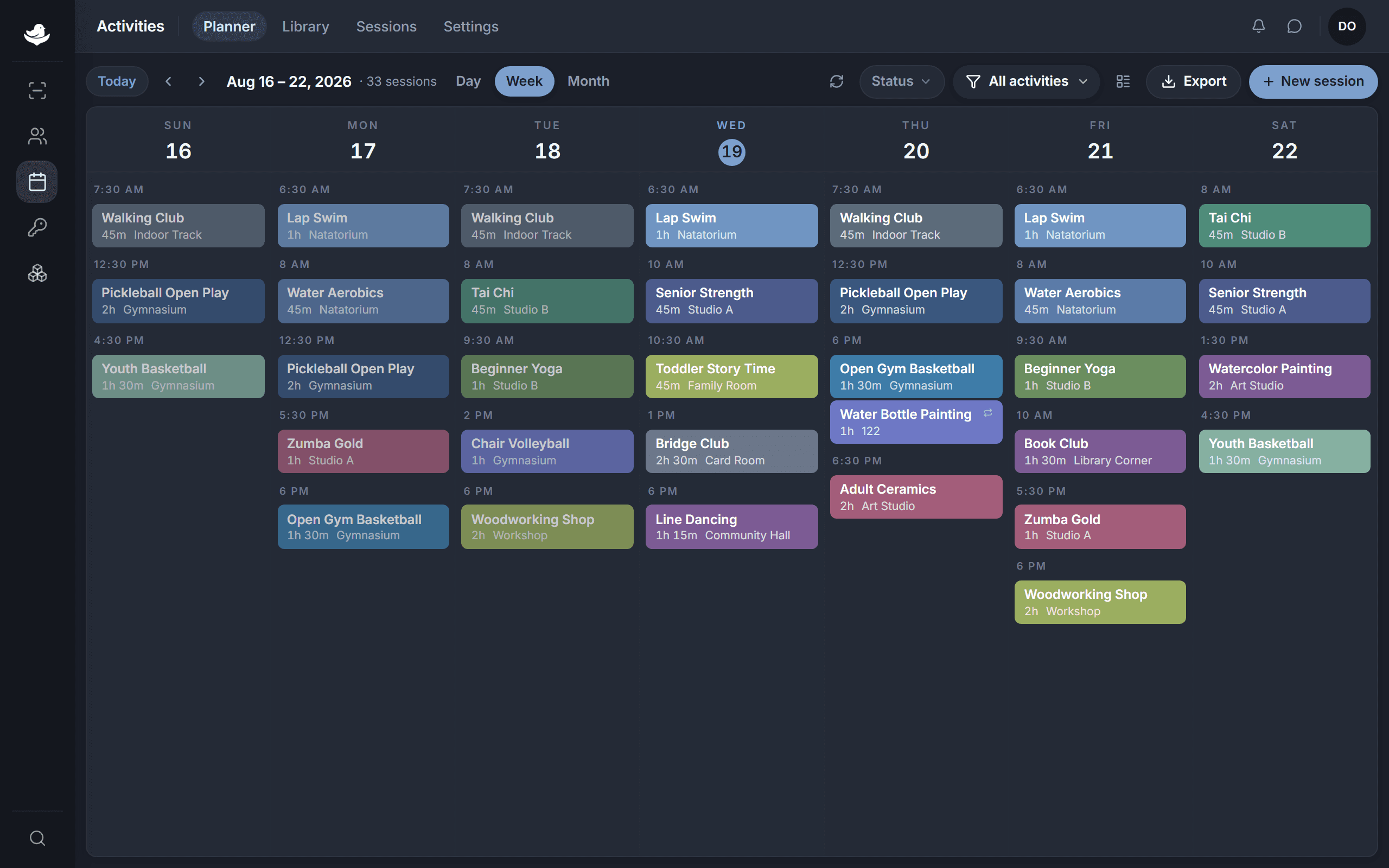
The NestPoint activities planner: a week grid of programs laid out by room and time, with conflicts and open capacity visible at a glance.The NestPoint activities planner: a week grid of programs laid out by room and time, with conflicts and open capacity visible at a glance.
  • Weekly rhythms build once

    Set Sunday's pattern, Wednesday's pattern, the religious-ed pattern; the calendar reproduces itself week over week.

  • Conflicts caught before they happen

    Sanctuary, fellowship hall, classroom — when two events claim the same space, you see it at the moment of booking.

  • Member comms auto-update

    Schedule changes hit the right households, not the whole community. The youth-retreat reminder doesn't go to people without kids.

Customization

Configured for your community, not generic “faith communities.”

Every faith community is different. Your giving categories, your group structures, your life-event vocabulary, your communication rhythm — all configurable, no consultant required.

  • Giving categories & pledges

    Tithes, capital campaigns, missions, designated funds, special collections. Recurring gifts and one-time donations through the billing module. Year-end statements pull from the same data, branded with your letterhead.

  • Life-event tracking

    Welcome ceremonies, life passages (baptism, b'nai mitzvah, dedication), marriages, memorials. Track the ceremonies that matter to your community, with the privacy levels you set per record.

  • Group templates

    Small groups, study groups, committees, music groups, age-cohort groups. Each template defines leader roles, meeting cadence, attendance rules, and what fields the group needs.

  • Communication templates

    Weekly bulletin, prayer chain, pastoral letter, year-end statement, retreat reminder. Save the format and tone your community expects; send on your schedule.

Questions, answered

What we hear from clergy and lay leaders before they sign up.

See it run for your community.

Set up your workspace this morning. Import your member directory this afternoon. Watch the Wednesday-night roster light up tonight. If NestPoint isn't right for your community, walk away — no questions, no calls.

14 days free · Card required · Cancel anytime