← All audiences

For parks & recreation departments

Built for the work your residents already expect.

Program registration, league management, pavilion bookings, fee waivers, ADA accommodations, council reports — on one calm system that respects your procurement process, your public-records obligations, and the resident who's trying to register her kid for swim lessons at 8 AM on opening day.

The reality

If this is your week, we built this for you.

Municipal parks and rec runs on public dollars, public accountability, and software contracts your predecessor signed before smartphones. The work doesn't slow down. Your tools shouldn't either.

  • Your legacy system shouldn't be older than your interns.

    RecTrac, CivicRec, ACTIVE Net — most departments are running on platforms that haven't seen a meaningful update in a decade. The interface confuses your residents, the reporting fights your council, and renewal time arrives with a $50K invoice and a five-year lock-in.

  • Opening day shouldn't crash the registration page.

    Six hundred parents opening their phones at 8 AM the day summer swim registration opens. Residency verification, sibling discounts, scholarship eligibility, lottery rules for full classes. All of it should work the first time — not generate a Tuesday-morning angry-call session.

  • Council reports shouldn't take a database export.

    Quarterly facility utilization, program participation by demographic, scholarship counts, ADA accommodations served — the numbers your parks commission and city council need shouldn't require IT to write a custom query. Save the format your chair wants once. Run it before every meeting.

  • Procurement reviews shouldn't kill your shortlist.

    Vendor registration, certificates of insurance, security questionnaires, public-records compliance, accessibility VPAT — the procurement office needs all of it before a contract goes through. NestPoint has the package ready before your RFP review meeting.

Flagship features

Made for the work you already do.

Five modules at the heart of every parks-and-rec deployment. Every plan includes every module — these are the ones that earn their keep on day one.

Programs & leagues

From swim lessons to softball season.

Youth sports, adult rec leagues, summer camps, fitness classes, after-school programs, senior fitness. Residency tiers, sibling discounts, scholarship pricing, lottery rules for oversubscribed programs. Coaches check in their roster from the field; the league standings update themselves.

  • Residency-tiered pricing built in
  • League schedules and standings
  • Lottery and waitlist rules

Facility & park rentals

Pavilions, gyms, fields, picnic shelters, the community room.

The renter sees only available slots. Deposits, balances, damage flags, and recurring rentals all tracked. Conflicts with programs and league play caught before they ship. ADA accessibility flagged on every space.

  • Real-time online availability
  • ADA-accessible facility flags
  • Deposit and damage tracking

Public registration

Built for the resident who isn't a "member."

Anyone in the city can register without an account; full residents get verified pricing. Sibling discounts apply automatically. Scholarship eligibility carries forward across seasons. ADA accommodations request right at registration. Available in your city's required languages.

  • Residency verification at registration
  • Scholarship and fee-waiver workflows
  • Multi-language registration support

Reports & exports

Council meeting packets, already built.

Facility utilization, program participation by demographic, scholarship counts, ADA accommodations served, league rosters, revenue by program. Saved as a packet, scheduled to run, on the council chair's desk on the day it's due. Public-records requests answered in minutes, not days.

  • Council and parks-commission report packets
  • Demographic and equity breakdowns
  • Public-records compliance built in

For your residents

A portal any resident can use.

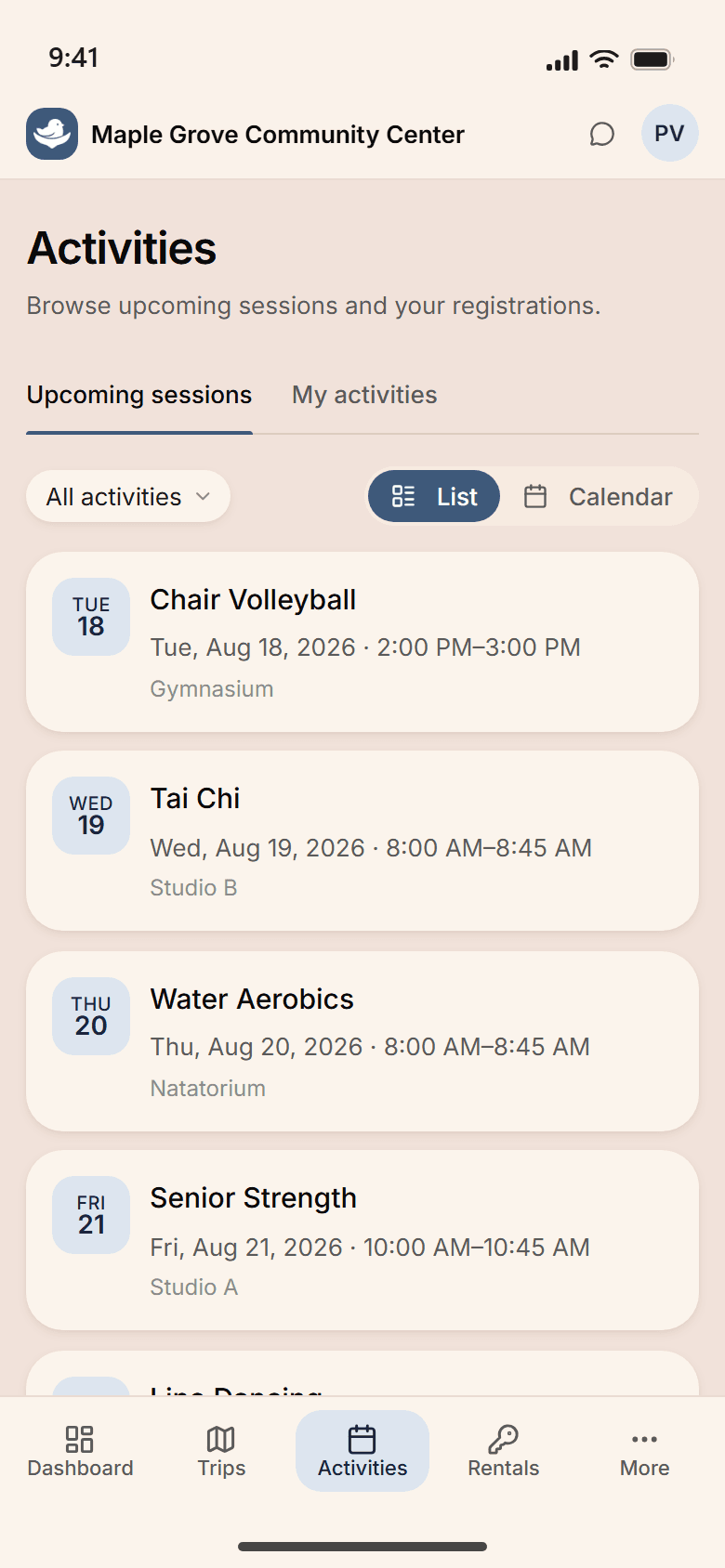
No “member account” required to browse what's available. Residents register for a swim class, book a pavilion, sign up for the adult softball league, and request an ADA accommodation — from their phone, in their language, without calling the department.

  • Register for programs, leagues, and camps in their language of choice
  • Book pavilions, fields, and community rooms online
  • Request ADA accommodations at registration
  • Apply for fee waivers and scholarships in a single step

A typical day

7:30 AM at the Brookfield department office.

A Tuesday in October. Summer registration opening Friday, a council meeting Thursday, a pavilion damage report from Saturday's rental, and the quarterly facility utilization report due to the parks commission. Here's how it actually goes.

  1. Maria, the director, opens her laptop. Yesterday's pavilion bookings, league standings, scholarship applications, and program registration numbers are in the morning summary.

  2. A resident calls. She's trying to register her son for summer swim lessons but the system says he's a non-resident. The front desk pulls up her utility-bill verification from last year; one click, residency confirmed, registration goes through at resident pricing.

  3. Devon, the recreation supervisor, builds the council report for Thursday. Facility utilization by park, program participation by zip code, scholarship counts. PDF ready, queued to email Thursday morning.

  4. Tomas, the athletic coordinator, updates the adult softball league standings from his phone at Field 3. The standings page on the department website updates itself; the email reminder about Saturday's playoff games queues for tomorrow morning.

  5. Office closes. Tomorrow's coaching rosters, Wednesday's facility rentals, and Friday's opening-day registration all queued. The parks commission packet is in the chair's inbox.

Run every park, every program, every league

Five facilities. Eighty programs. One view.

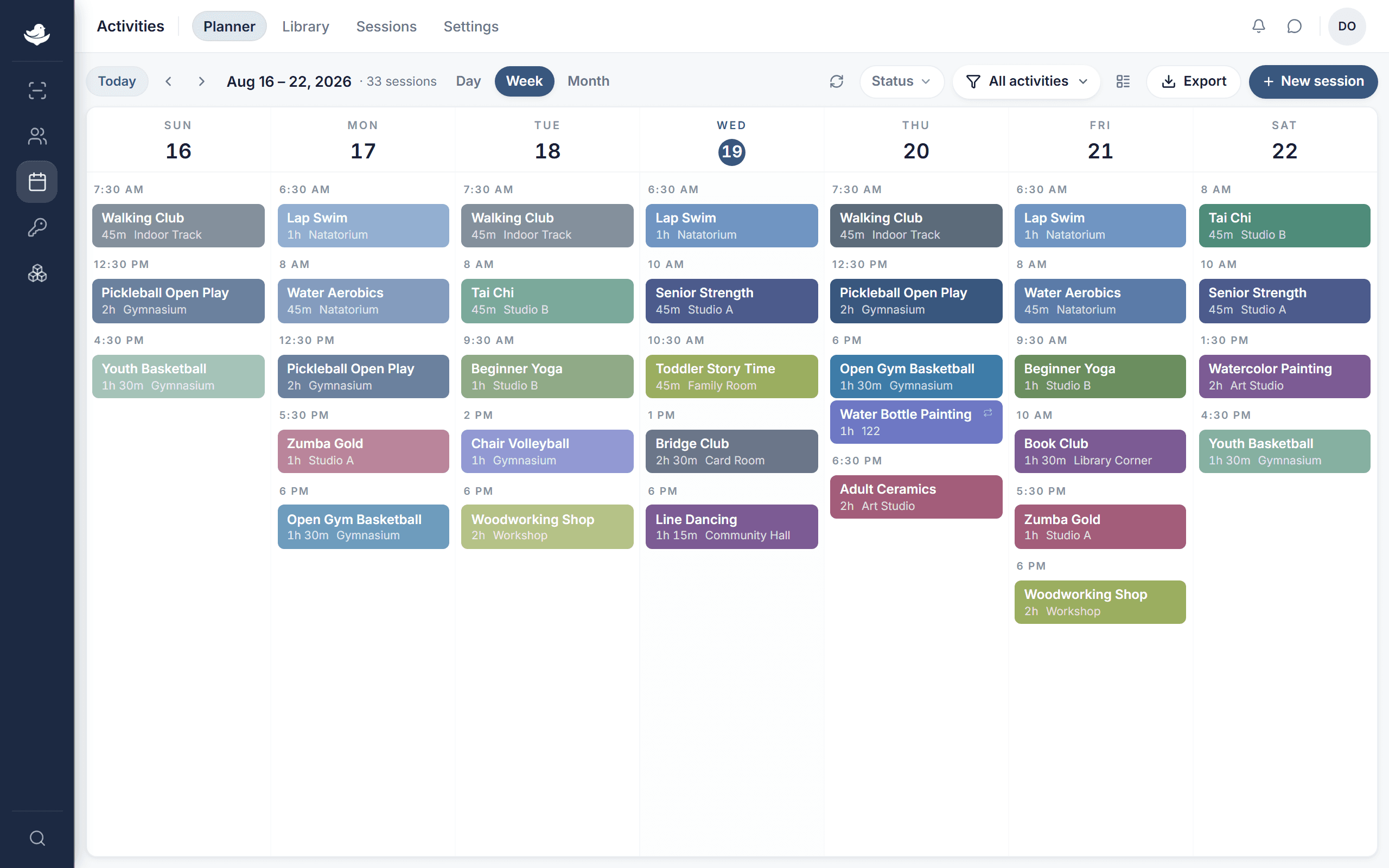
Riverside Park's pavilion bookings on Saturday. The Westside aquatic center's swim lessons all summer. Adult softball at Field 3 every Tuesday and Thursday. The youth basketball league at the community center on Saturdays. Drag a program to a different facility and the room booking, the coach's schedule, the league standings page, and the resident reminders all follow.

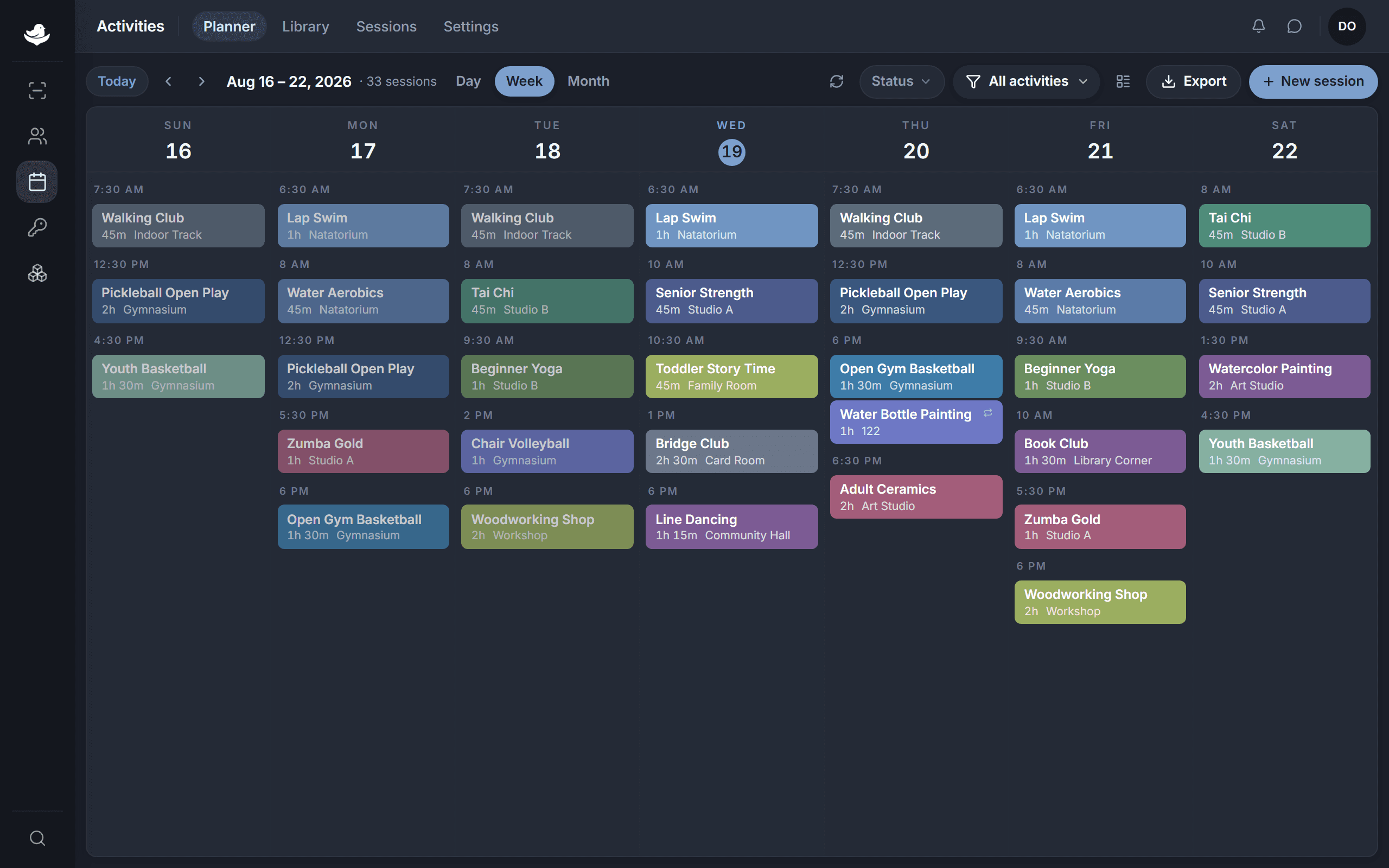
The NestPoint activities planner: a week grid of programs laid out by room and time, with conflicts and open capacity visible at a glance.The NestPoint activities planner: a week grid of programs laid out by room and time, with conflicts and open capacity visible at a glance.
  • Seasonal patterns build once

    Set spring rec league, summer camp, fall fitness, winter youth basketball; the calendar reproduces itself across seasons and across parks.

  • Conflicts caught before they happen

    Programs, leagues, rentals across every park visible in one view — your athletic coordinator never has to be the human collision detector.

  • Resident comms auto-update

    Schedule changes hit only the affected programs, not the whole resident list. The Tuesday softball cancellation doesn't email parents whose kids only do gymnastics.

Customization

Configured for your department, not generic “parks & rec.”

Every parks-and-rec department is different. Your residency rules, your accessibility policies, your fee-waiver workflows, your council report formats — all configurable, no consultant required.

  • Residency tiers & pricing

    Resident, non-resident, senior, youth, low-income, disabled-veteran, employee. Set the model once; verification carries forward across registrations.

  • ADA accessibility & accommodations

    Facility-level accessibility flags, accommodation request fields per program, accessible parking and entrance signage built into the registration confirmation.

  • Fee waivers & scholarships

    Income-based scholarship workflows, fee waivers per program, payment plans, anonymized reporting for funder accountability.

  • Council & commission report packets

    Quarterly utilization, monthly stats, annual equity report. Save the format your chair wants; run it on a schedule before every meeting.

Questions, answered

What we hear from directors and city managers before they sign up.

See it run for your department.

Set up your workspace this morning. Pre-stage opening-day registration this afternoon. Watch the swim-lesson lottery resolve itself on Friday. If NestPoint isn't right for your department, walk away — no questions, no calls.

14 days free · Card required · Cancel anytime