

Features · Reporting · Daily use
Explore trends
Trends is where you go for questions the standard reports do not answer directly. You pick a dataset, sort and group it, filter it down, and save the view so it is a click away next time.
Pick a dataset
Open Trends from the reporting subnav. The tabs across the top switch between datasets: members, check-ins, attendance, activities, groups, and badges. The row count updates as you narrow things down.
Shape the view
Sort, group, and filter the table until it answers your question. Use the in-table search to find a value fast.
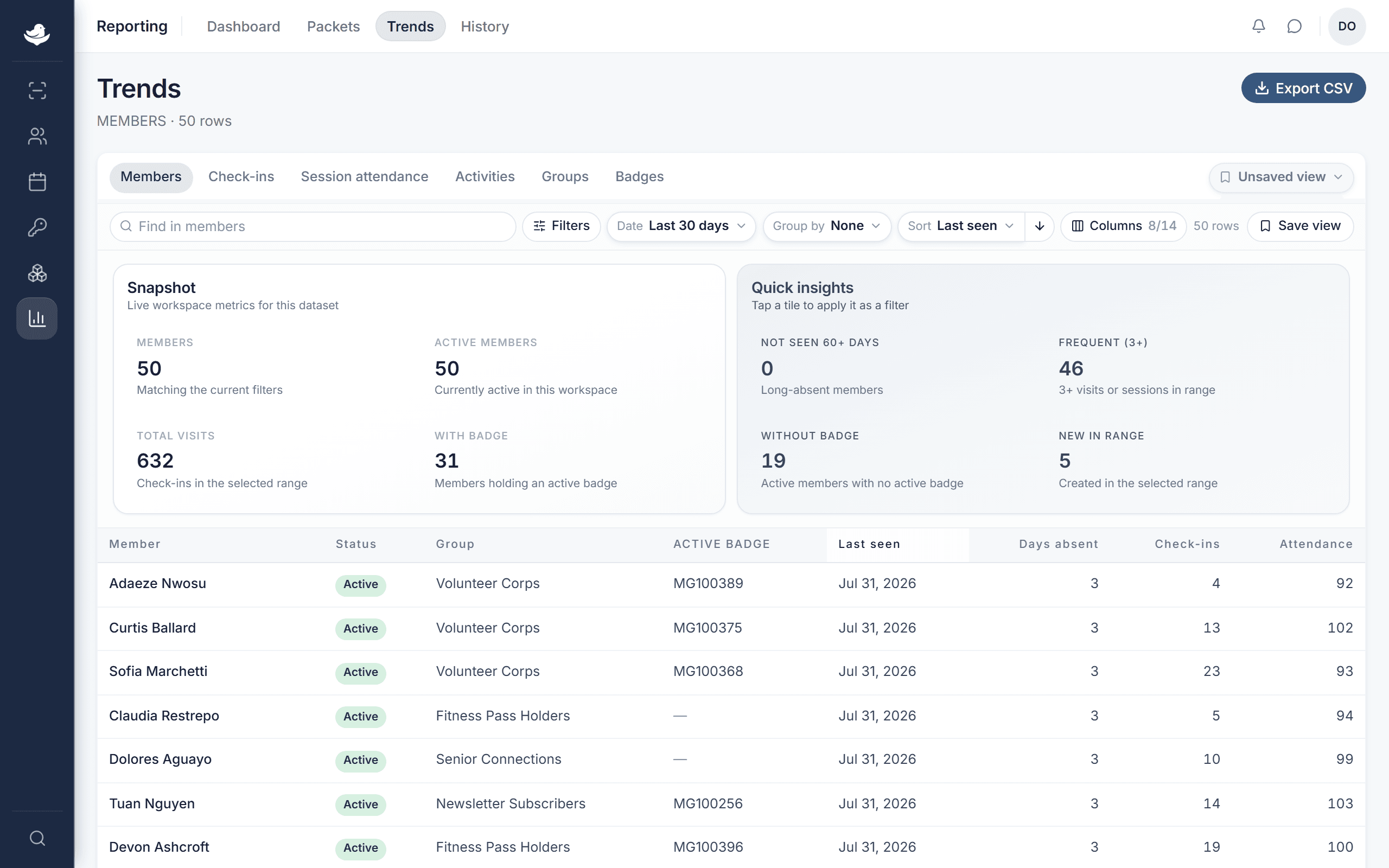
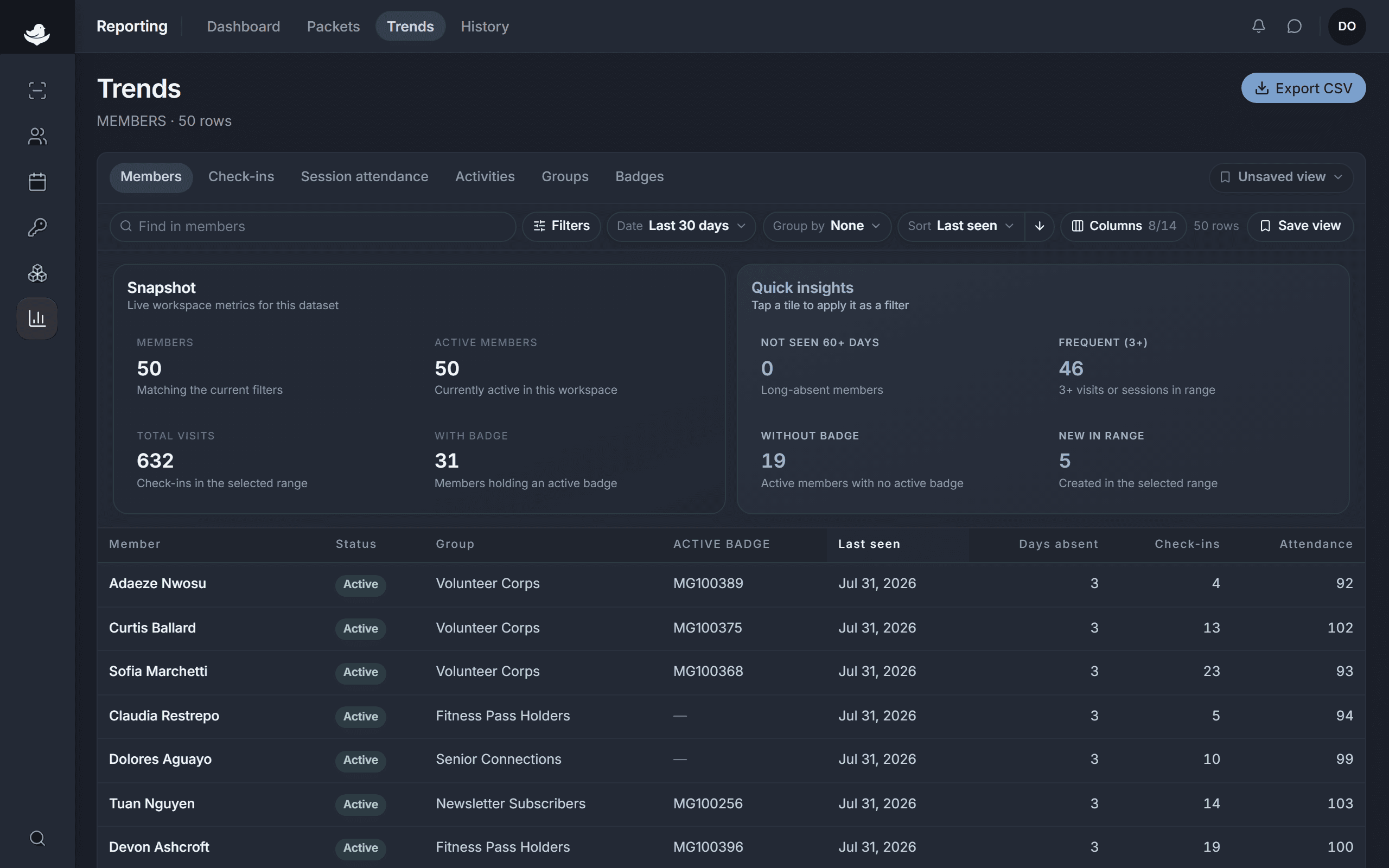
Trends reads live workspace data. Shape it however the question needs. To keep a view, save it with a name. Saved views group into Saved by you and Shared with team, so a useful slice is a click away later.
Before you save, an in-progress view reads as Unsaved view, and a saved view you've changed shows Unsaved changes until you save again.
Export
Press Export CSV to pull the current view out as a file. Like every export, it lands in the export history.