

Features · Engagement · Setup
Build an audience
An audience is a saved group defined by conditions — members not seen in 30 days, everyone in a tier, a single activity's roster. You build it once and target it across campaigns and automations, and it recomputes so it's always current.
Start a new audience
Open Library, stay on the Audiences tab, and press New audience. If you'd rather start from a common pattern, open Build from a recipe and press Create on one — it makes the audience for you to refine.
Name it and add conditions
Give the audience a Name and an optional Description so the team knows who's in it and why.
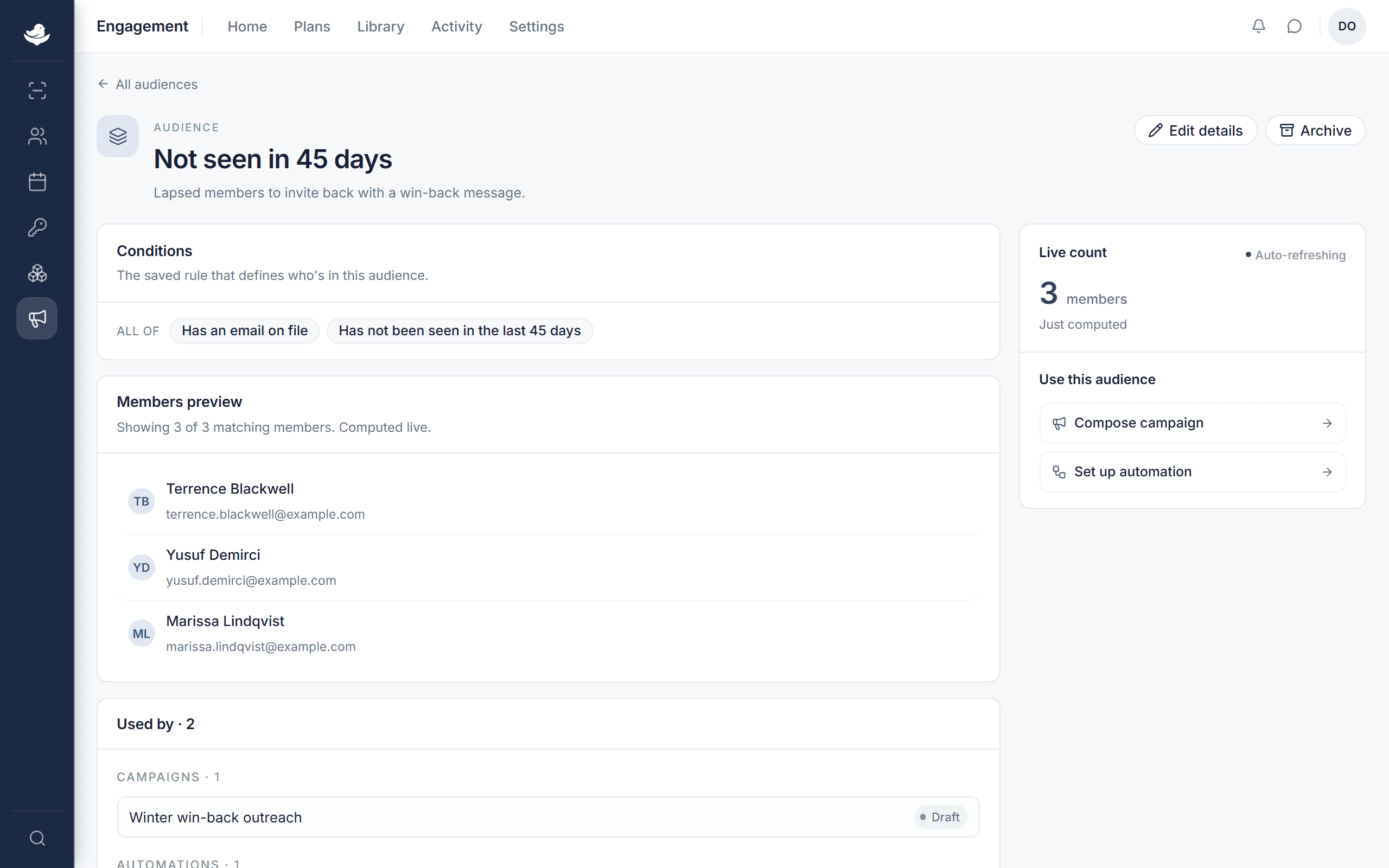
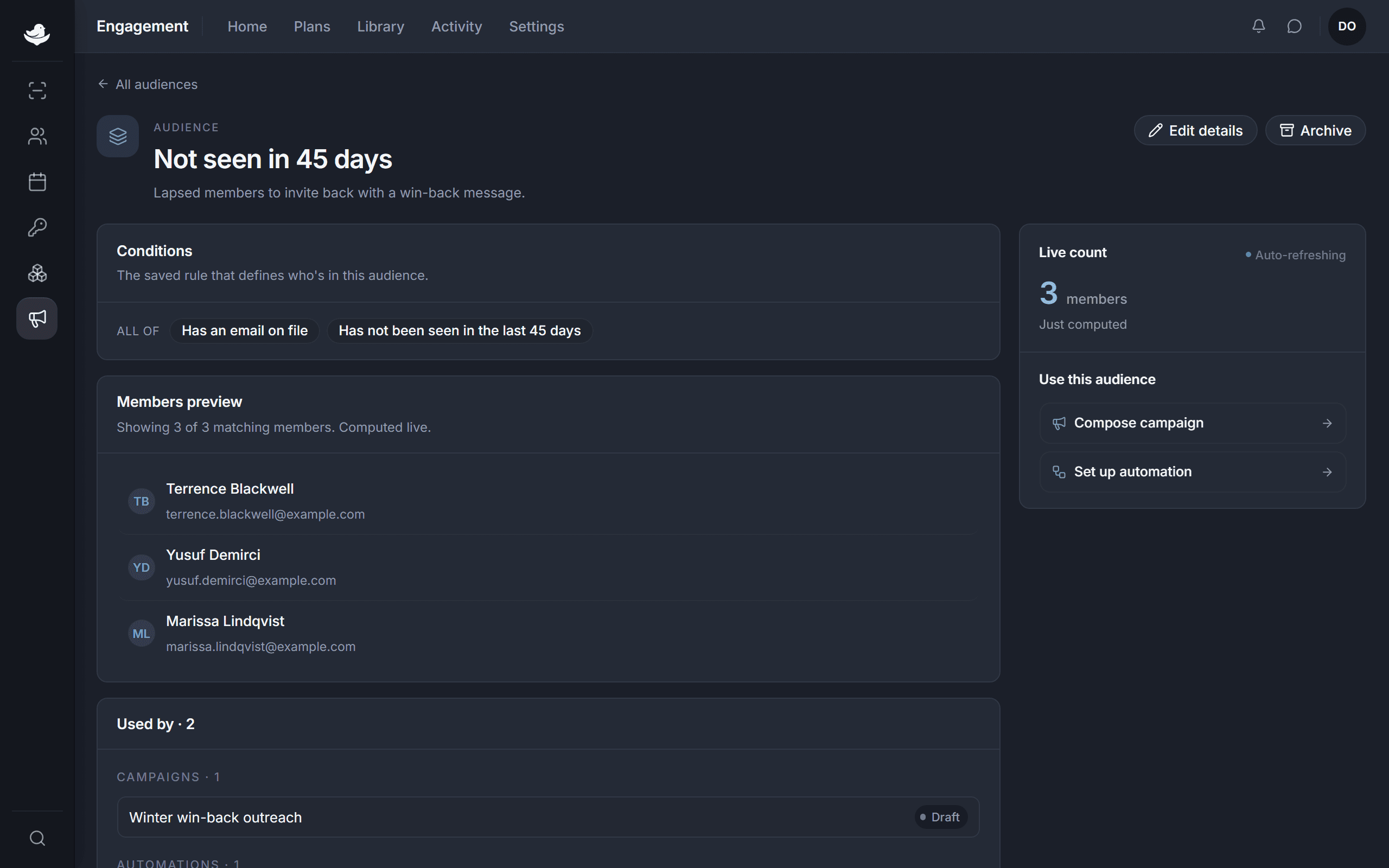
Conditions on the left, a running count on the right. Under Conditions, press Add condition to build the rule. Members must match every condition you add.
The count in the rail updates as you edit, so you can see the group grow or shrink with each change.
Press Save audience.