

Features · Service Hours · Daily use
Log hours
Most hours are logged after they happen: someone served, and you’re writing it down. You can log for one person, or batch the same hours across several people at once.
Log hours for one person
Press Log hours from the Today dashboard or the Hours page.
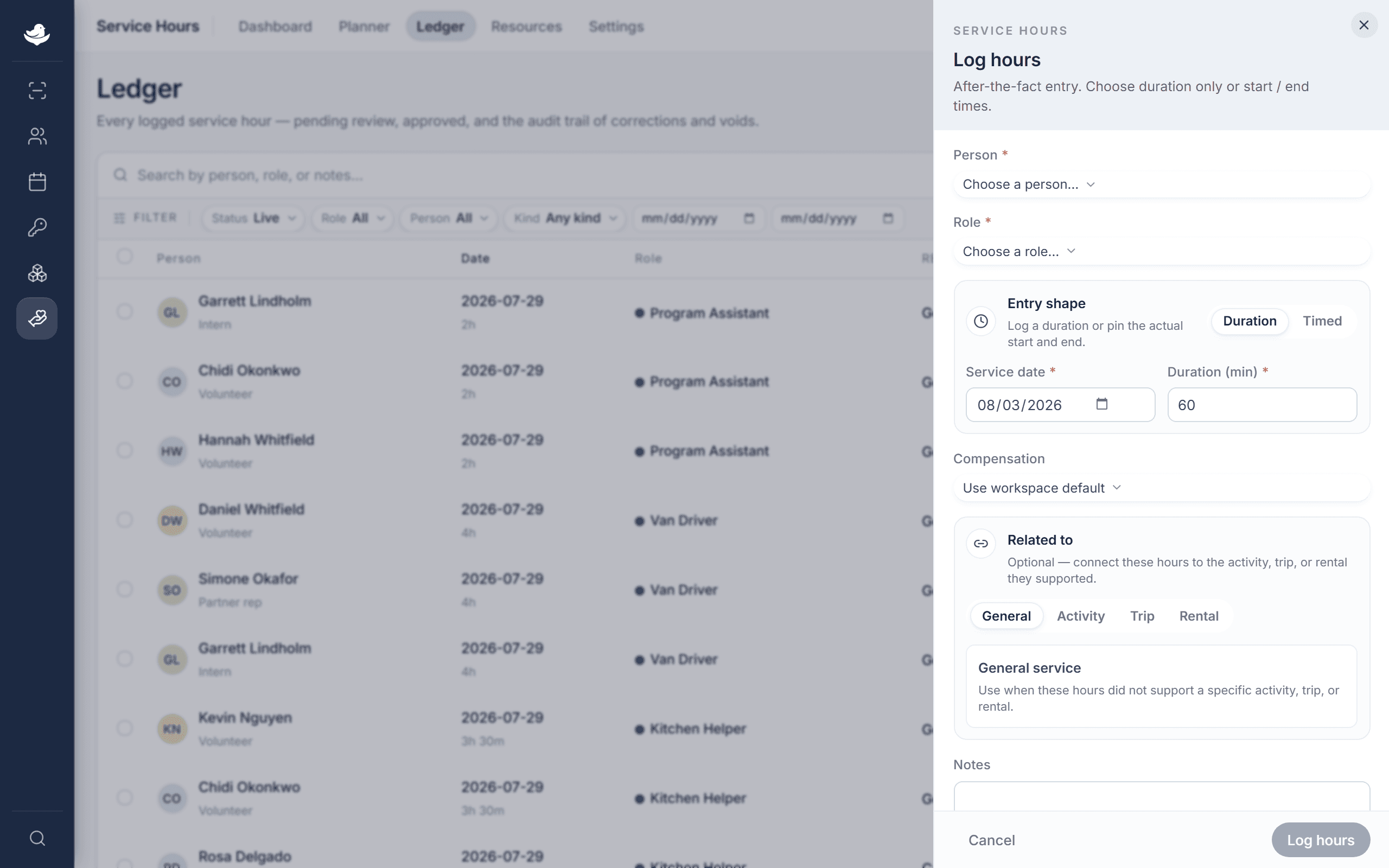
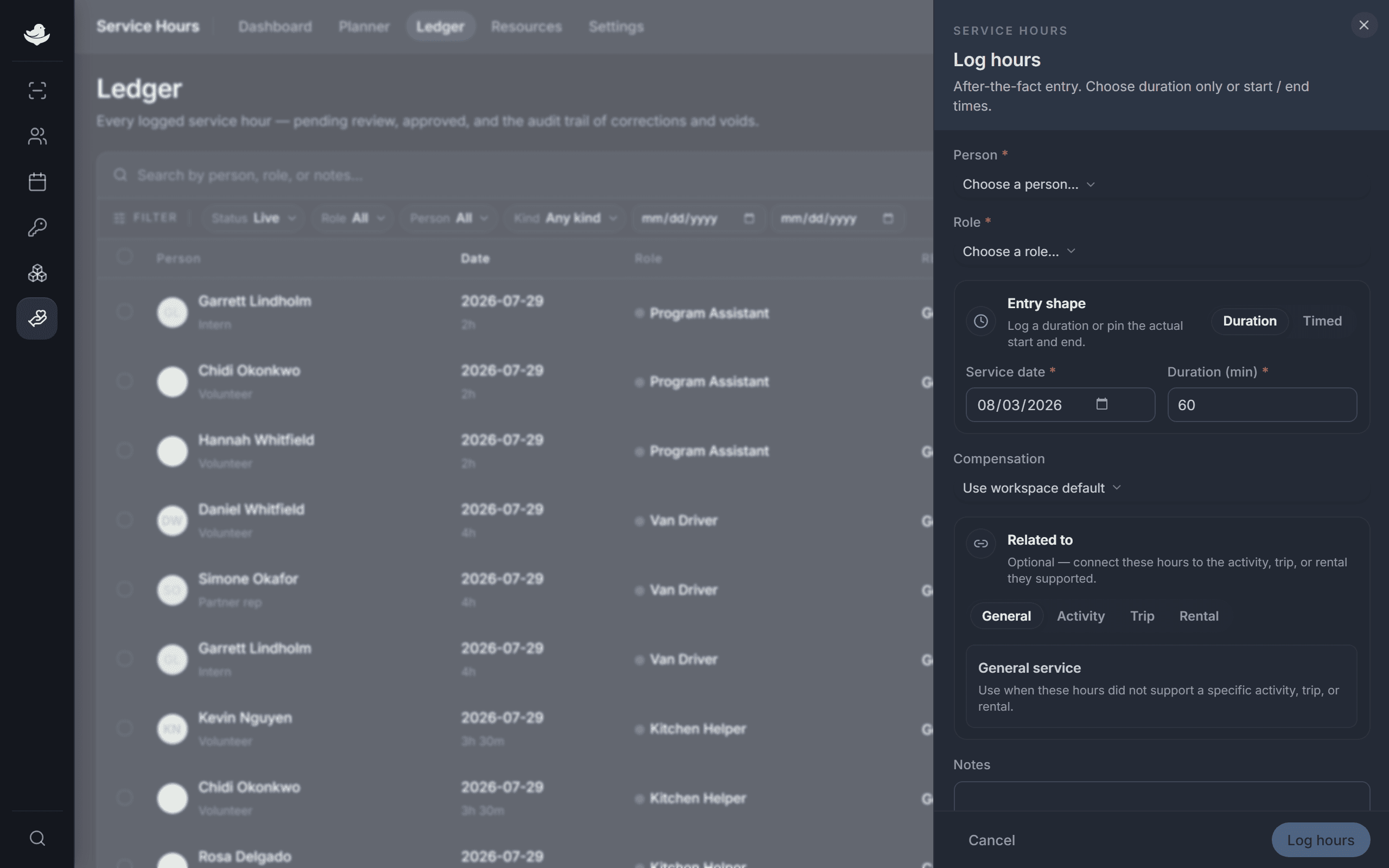
Pick a person and role, then choose how you want to record the time. Choose a Person and a Role.
Pick how to record time. Leave it on Duration to enter a Service date and Duration (min), or switch to Timed to set a Start and End.
Set Compensation if it differs from the default, add any Notes, then press Log hours.
You can attach the entry to related work, such as an activity session, a trip, or a rental, when those links are turned on in settings.
Log the same hours for a group
When several people served together, press Batch entry instead. Pick one Role and Service date, choose Duration only or Start / end times, then select everyone under People. The create button counts how many you picked. Each person gets their own entry, tied together by one batch.